How can I update my delivery address?Updated 4 months ago
Have you moved or would you like to receive your order at a different address? Here's how to update the delivery address for your subscription. 🙂
- Go to your subscription confirmation email.
- Click on "Manage subscription".
- Log in to your profile using the little code sent by email.
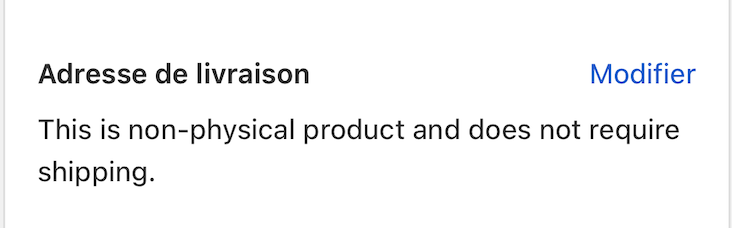
- Click on "Edit" next to the delivery address
Important:
Make sure to update your address before the next billing date to ensure your parcel is shipped to the right address.
❤️
If you have any questions about the subscription, please don't hesitate to contact us at [email protected] or via our chat.
Margaux and Magalie will be happy to help you.