How do I change my address on my account?Updated 5 months ago
To change your address, it's very simple! 🏠
Go to your Customer area then click on « My Info » and update your personal address.
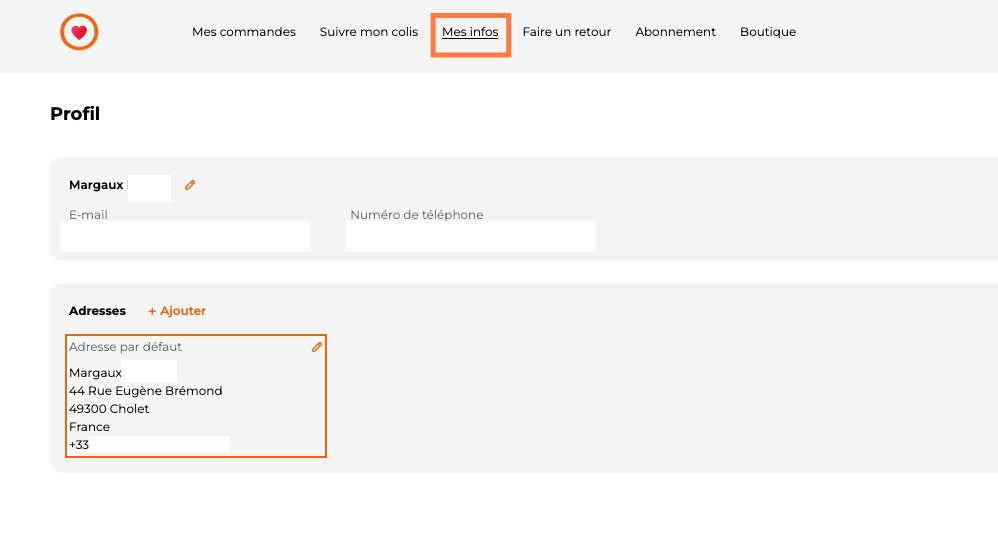
You'll find all your addresses in this area.
You can delete them, add them,..
(The street address is limited to 32 characters).
- Feel free to specify all the necessary information in the "address complement" field. (Building number, apartment number, entry code, name of the residence).
🧡
However, if you have the slightest question about updating your details, please don't hesitate to contact us at [email protected] or via our chat.
Margaux and Chloé will be happy to help you.