How do I create a wishlist?Updated 5 months ago
A product caught your eye and you want to keep it handy?
No worries! Your Ohlala wishlist is here to pamper all your wishes 💕✨
- You can very easily keep the items you're interested in close at hand, in the form of a wishlist.
- To do this, simply click on the little heart (add to my wishlist), available on the product page of your favourite item, directly on the photo at the bottom right. 🙂

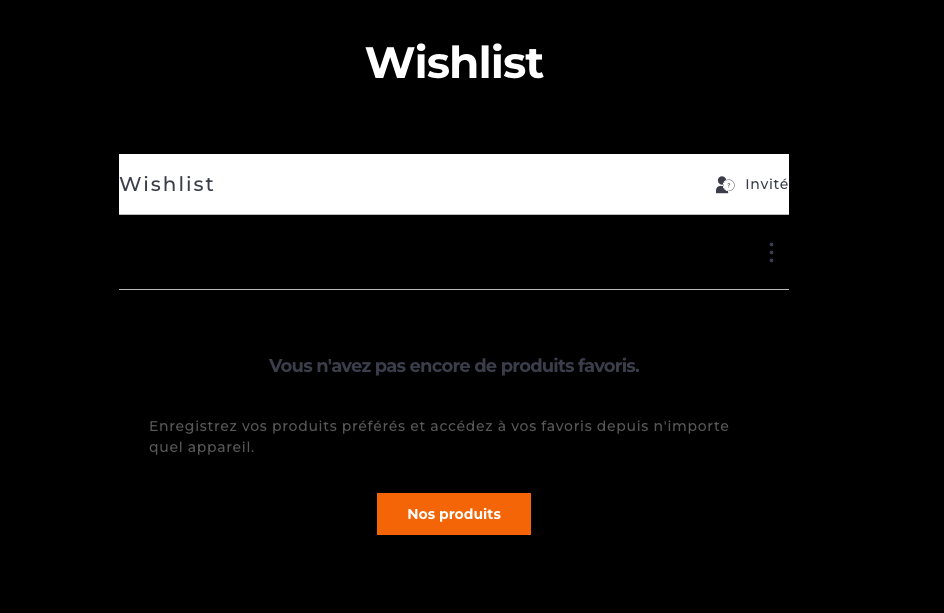
- You can then find all your little favourites in the "Wishlist" section of your Ohlala sellerie app or via the little heart at the top right of the Ohlala website. 😊
🧡
I hope this article answered your question. If not, our customer support team remains entirely at your disposal at [email protected] or via our chat.
Margaux and Chloé will be delighted to help you. 🧡