How do I create my customer account?Updated 5 months ago
Welcome to Ohlala! 🧡
We're happy to support you on your journey.
To access all our services and make the most of your visit, simply create your account.
A few moments, one click… and the whole Ohlala universe opens up to you!✨
1 - Go to the top right of our site and click the little "person" icon!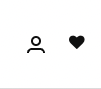
2 - Enter your email address in the field provided:
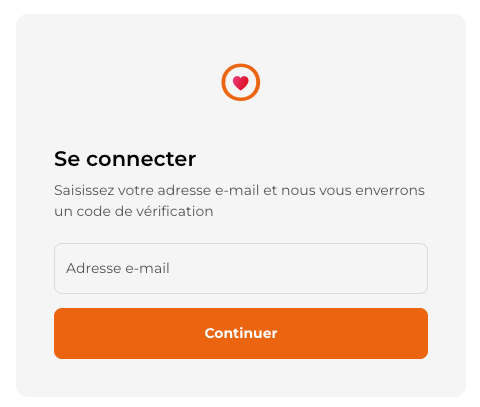
3 - Once your address is entered, a short email will be sent to you with a 6-digit code.
This is two-factor authentication, so no more need for a password.
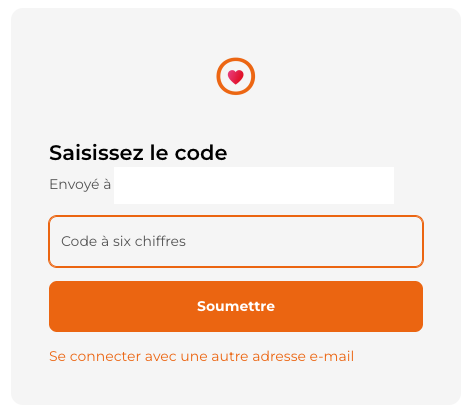
4 - Then enter the code in the next step:
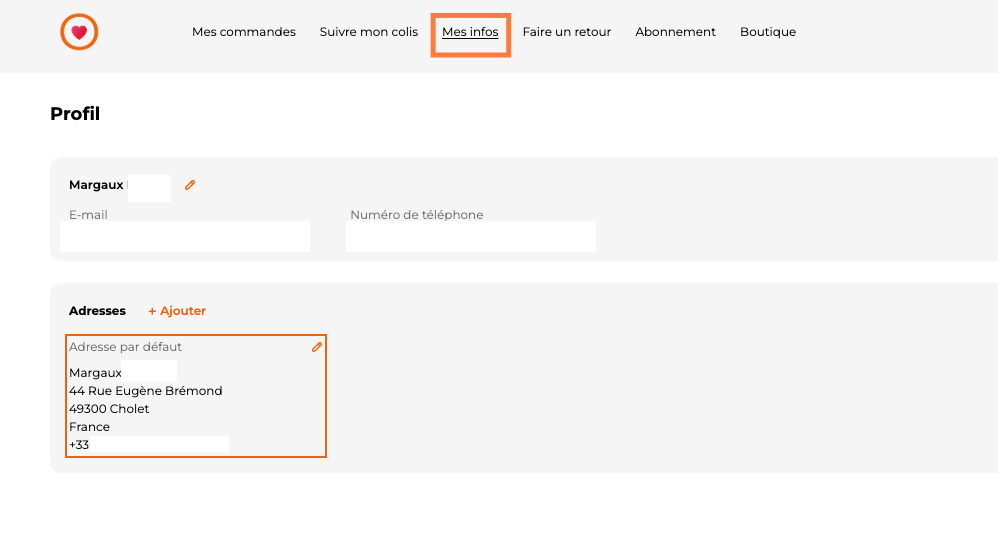
5 - Once on your account, you can go to <Info> then <add> in <address>.
You can then order anything you like without any problem! 😇
Our little recommendations:
- Be careful when entering your email address. Any error would prevent us from communicating with you about the various stages of your orders.
- The code is only valid for 15 min, feel free to check your spam and junk folders if you can't find the email.
🧡
Can't create your account? Don't worry, please don't hesitate to contact us at [email protected] or via our chat.
Margaux and Chloé will be happy to help you.